
Multi‑POV
Sync recordings from the same stream session and edit them on one timeline.
Access is tied to your Twitch account. You can also contact Aryan by email.
Product film
Align four broadcasts from the August 7, 2026 session and switch perspectives in the cut room. The session footage is real. Additional VOD cards and the shared-audio check are illustrative.
The problem
Every creator starts recording at a different time. Editors have to line up the recordings before choosing an angle.
Related editing tools
Descript also offers automatic camera switching. NNW Multi‑POV lines up separate Twitch recordings, suggests cuts based on the conversation, and lets an editor revise every cut.
From separate recordings to one edit
Multi‑POV checks where recordings overlap and lines them up before editing.
Explanatory sequence only. Bar lengths and cut positions are not measured session data.
POV timelinesSelect independent source VODs.
What it does
Find the shared session
Bring independent creator recordings onto one time window.
Details and screenshot
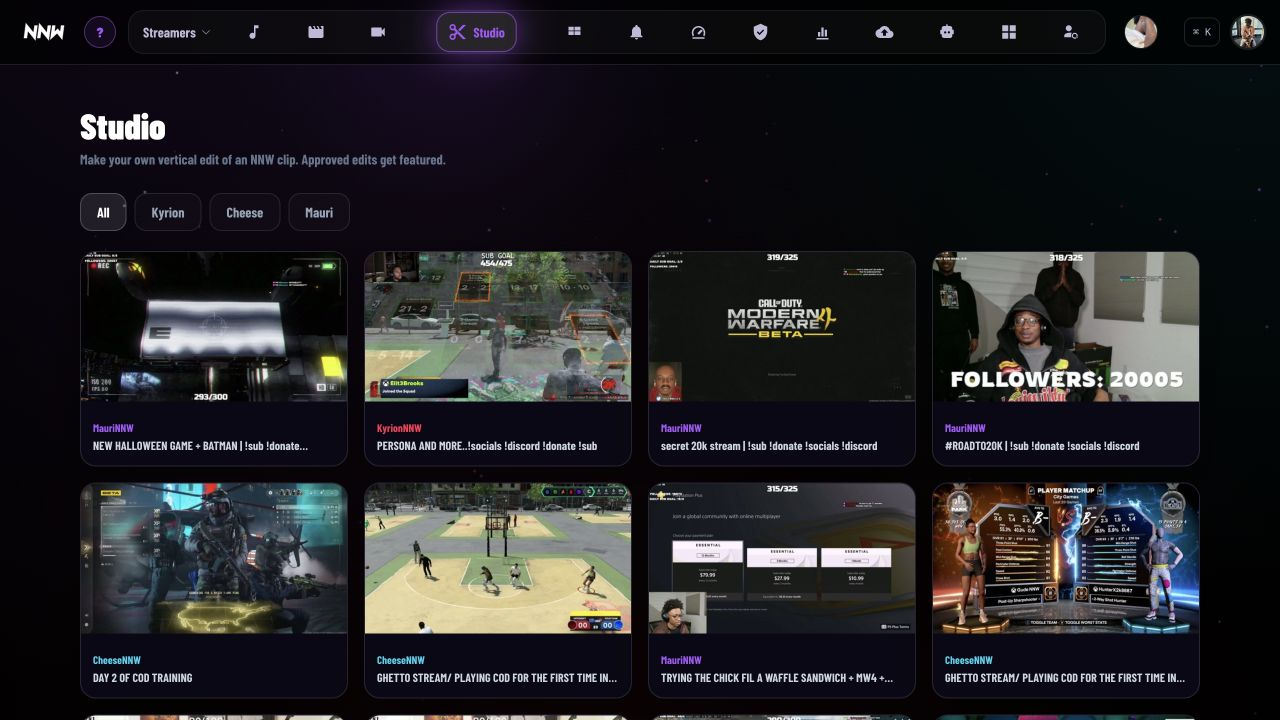
Select four source VODs and screen for overlapping wall-clock coverage.
Overlap eliminates impossible pairings before more expensive media work begins. The editor starts with a plausible common session rather than manually comparing whole archives.
Limit Overlapping time alone does not prove creators were interacting.
Accept synchronization only when supported
Avoid a polished edit built on a wrong offset.
How it works
Compare shared audio, voice, and speaker evidence, then accept only bounded shifts.
In the Aug 07 run, suggested audio shifts outside the 0.5-second guard were rejected and the 0.0-second wall-clock baseline was retained. The alignment decision stays visible and revisable.
Limit Shared voices and audio peaks are not reliable in every recording; manual correction remains necessary.
Let conversation guide automatic cuts
Make a watchable first pass across simultaneous perspectives.
How it works
Use directional voice transfer, co-presence, speaker evidence, and turn structure to propose angle changes.
The editor treats who is speaking and reacting as context, then records candidate cut decisions on one timeline. A human begins with an editable rough cut instead of an empty timeline.
Limit Automatic cuts are suggestions; context and timing still need editorial review.
Keep a true manual cut room
Take direct control when the automatic edit misses the moment.
How it works
Play synchronized POVs, choose per-POV audio, switch cameras with number keys, seek and nudge, then undo or revise cuts. The film shows the real cut room at 0:25–0:40.
The manual room uses the same shared timeline and records choices in an edit-decision list. The editor can move fluidly between automation and hands-on cutting without starting over.
Limit Download and rendering remain local-compute and storage costs.
Render an auditable edit
Deliver a finished video without losing the decisions that made it.
How it works
Render from the edit-decision list through the local companion.
Source offsets, angle choices, and timing survive as a revisable record. A correction can be made to the timeline rather than reconstructing the entire cut.
Limit The companion must be available for heavy media jobs.
Engineering
Show decisions and tradeoffs
Keep heavy compute local
I use a local companion to claim download, sync, and render jobs from the site. Multi-VOD work belongs near editor storage and compute, not a web request.
Tradeoff The companion must be running before a job advances.
Guard audio-derived shifts
I reject a shared-audio adjustment outside the bounded shift guard. A confident-looking bad alignment is worse than preserving the wall-clock baseline.
Tradeoff Some sessions still require manual correction.
Store the edit as decisions
I keep camera choices and timing as an auditable timeline, not only a render. Editors need to revise and explain the cut without rebuilding it.
Tradeoff Render output and timeline state must remain compatible.
Evidence
- one real Aug 07 collaboration session
- 4 POVsRecorded product film
- wall-clock adjustment retained in the run
- 0.0 sAudio suggestion rejected
- bounded audio-shift guard in the decision
- 0.5 sCapture evidence, not a universal claim
Current state and limits
- Available
- The workflow selects sources, computes the shared window, evaluates guarded sync, opens keyboard-driven cutting, and renders an auditable timeline.
- Limits
- Downloads and rendering are expensive, and shared-audio inference is not reliable for every session.
- Next
- Expand sync diagnostics and reuse local media between related edit jobs.
- Project role
- Sole designer, engineer, and operator
- Built with
- Python · FFmpeg · TypeScript · React · Local companion · Object storage